Realistic Cyber Ranges
Build Linux hosts, networks, services, and vulnerabilities around a learning objective. Each range runs in an isolated cloud environment, with access through ArkOne rather than direct exposure to the internet.
 BLACK ARKLABS
AI-Powered Cyber Range Builder

Turn a learning objective into a working Linux cyber range, with instructor and student materials.
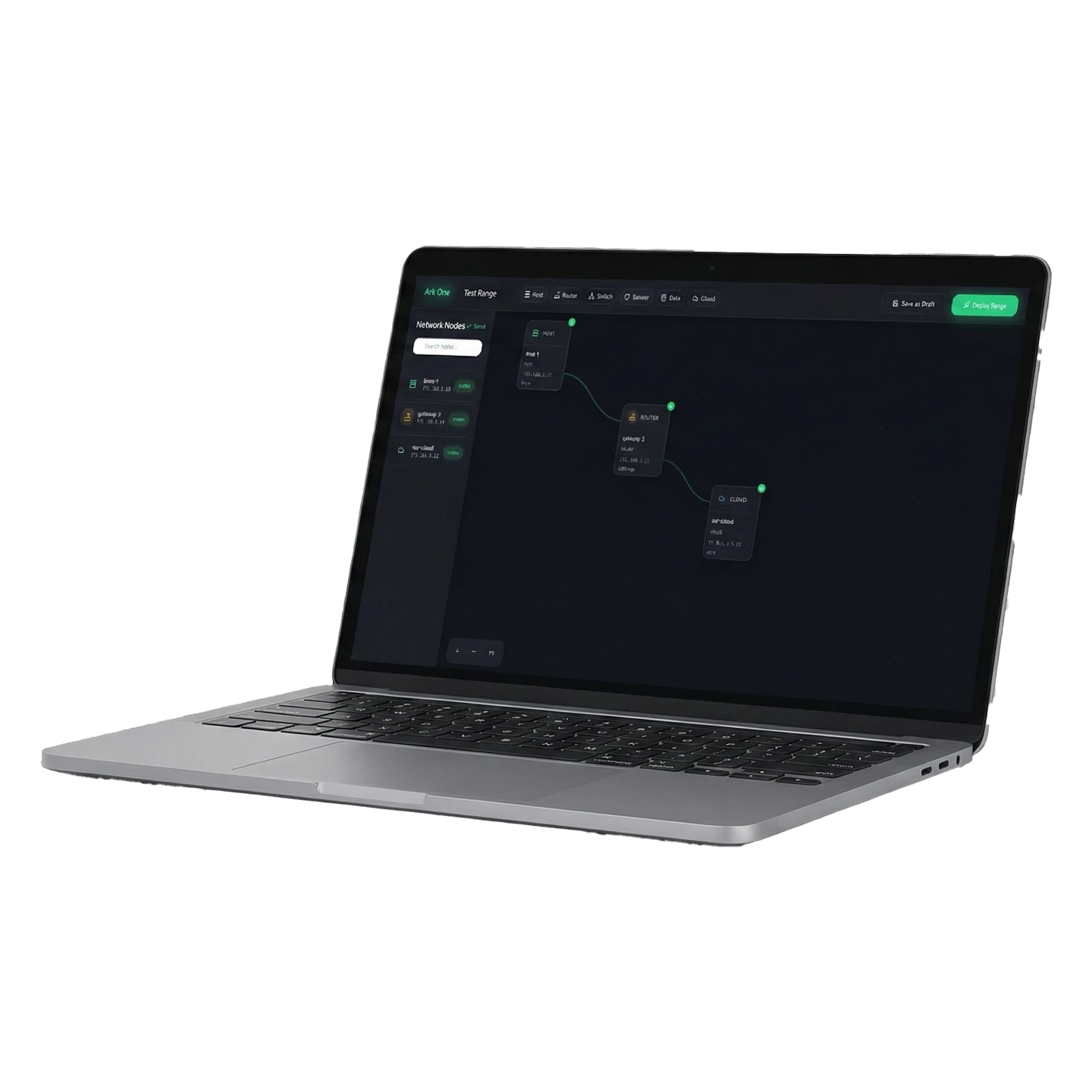

ArkOne
Build Linux hosts, networks, services, and vulnerabilities around a learning objective. Each range runs in an isolated cloud environment, with access through ArkOne rather than direct exposure to the internet.
Describe the exercise in plain English, then refine it through chat or the visual designer. ArkOne checks requests before building and asks you to approve design changes before they apply.
Create a range with an Instructor Guide, answer key, and Student Handout. The materials are written for that specific environment, so the lesson matches what students see.

Outthink. Outmaneuver. Outlast.
In cyberspace, every move counts, and hesitation can mean compromise. At Black Ark Labs, we equip cyber professionals with the tools and tactical awareness to think several steps ahead. Just like chess, cyber conflict demands foresight, adaptability, and precision. Our platform transforms complex ranges into strategic environments where teams can evaluate options, test operational decisions, and outmaneuver adversarial conditions. Because in this domain, success belongs to those who plan smarter and act faster.
To accelerate cyber readiness by transforming how complex operational and mission-critical ranges are designed, built, and deployed.
We empower operators, instructors, and defenders with AI-driven tools that generate realistic, scalable, and rapidly configurable range environments, supporting faster preparation, sharper decision-making, and stronger operational performance.
To redefine cyber environment development through intent-driven automation.
We envision a world where teams can instantly construct accurate, mission-grade range environments, anywhere they operate. Bridging the gap between planning and real-world execution, and elevating operational readiness across government, defense, and enterprise sectors.
We are driven by a commitment to clarity, operational realism, and responsible innovation.
We prioritize precision, adaptability, and security in every capability we deliver, ensuring that our tools create trustworthy environments, enhance readiness, and empower teams to build, operate, and respond with confidence in dynamic conditions.
Take A Quick Tour
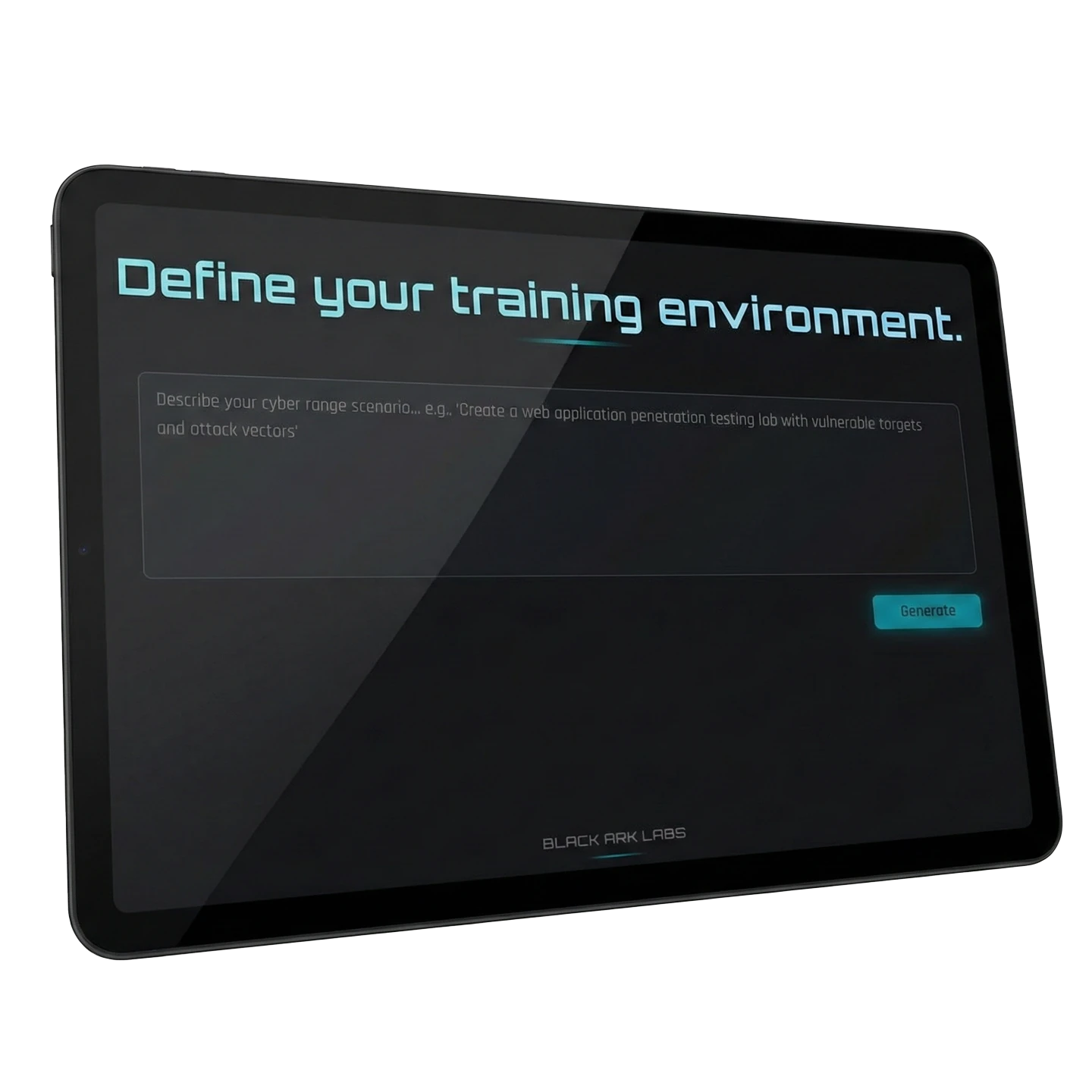

Tell ArkOne what you want to teach or learn:
I want to learn how to do forward and reverse SSH tunneling.
ArkOne designs the hosts, networks, services, and vulnerabilities for the exercise. Refine the design with the AI assistant and approve changes before they are applied.
The range comes with an Instructor Guide and answer key, plus a Student Handout tailored to the environment students will use. Download the materials as Word or PDF files.
Students practice from a web browser, with a terminal on each host. There is no lab software to install and no VPN or SSH setup required for browser access.
 Available now
Start with what you want to teach or learn. ArkOne turns that objective into a structured cyber range with hosts, networks, services, and vulnerabilities.
 Available now
Create multi-host, multi-network Linux environments for hands-on exercises. Each range runs in its own isolated cloud environment.
 Available now
Edit, adjust, and fine-tune the range through the visual interface. Use the AI assistant to refine the design by chat, with changes applied only after you approve them.
Available nowAsk for changes to hosts or services while designing. The assistant also stays available for questions while the range is running.
 Available now
ArkOne checks whether a request can be built before starting. Content guardrails keep builds appropriate and give a clear notice if a build is stopped.
 Available now
Open and maximize a terminal on any host directly from the web page. Use browser access without VPN or SSH setup, or download a VPN configuration for your own tools.
Available nowRanges are not exposed directly to the internet. ArkOne’s backend connects to the environment, and student access is scoped and expires.
 Available now
Download an Instructor Guide with an answer key and a Student Handout as Word or PDF. Both are written for the range you built.
AVAILABLE NOW
 Available now
Design, deploy, and access your ranges through ArkOne. See live deployment status and open host terminals from the browser.
 Available now
Work with multiple ranges and see the live status and running rate for each one. Plans include a cap on concurrent ranges.
 Available now
Review a cost quote before deployment and follow the running rate for each range. Idle ranges can be torn down automatically to avoid forgotten environments.
Available nowRetry a deployment when needed. If failures continue, support receives a ticket pre-filled with the deployment details.
COMMERCIAL PLANS AND ABOVE
Available nowTurn a range into a class with a chosen number of seats. Export or email one-time access codes; students sign in with a code and do not need an account.
Available nowChoose one shared environment or a separate range for each student. Deploy up front or on each student’s first sign-in, with the cost difference shown before you choose.
Available nowStudents see their task, hosts, and terminal. They cannot edit the range, deploy, view billing, or see other students’ work. Access ends when the class does, and an instructor can remove a student at any time.
Available nowReview how students worked, not only their final result. Recording captures what appeared on screen rather than keystrokes, so passwords entered at hidden prompts are not stored. Recording is off by default, controlled by platform settings, and uses an open format.
Available nowDaily question limits help keep AI usage and cost predictable. Instructor-controlled student assistance and question review are coming soon.

Describe the Learning Objective
Explain the skill or lesson you want the exercise to support.
Review and Refine the Range
ArkOne designs the environment. Adjust it visually or by chat, approving changes before they apply.
Prepare the Teaching Materials
Download the range-specific Instructor Guide, answer key, and Student Handout.
Deploy and Teach
Review the cost quote, deploy the range, and open host terminals from the browser. Commercial plans and above include classes and student access codes.
IN DEVELOPMENT · NOT YET IN PRODUCTION
Coming soonPop a terminal into its own window and keep several host tabs open.
Coming soonInclude the real access details and a credentials sheet in the Student Handout.
Coming soonHide panels to give the terminal more room.
Coming soonFollow student progress and per-class statistics on a live class page.
Coming soonSet student assistance to off, hints only, or full help for each class, and change it during the class.
Coming soonRead the questions each student asked the assistant.
Coming soonReceive a plain-language notice when ArkOne support accesses a range. That access will be recorded and audited, with the range marked on your dashboard.
Coming soonWalk through creating, deploying, and tearing down a range, with bonus tokens for finishing the tutorial.
NOT CURRENTLY AVAILABLE
PlannedWindows and Active Directory environments are planned. ArkOne builds Linux hosts today.
PlannedSingle sign-on, service-level agreements, and private templates are planned and are not currently available.
Plan. Predict. Prevail
Build exercises around the skills people need to practice, with the environment and teaching materials prepared together. Instructors can review terminal sessions to understand how a student reached a result. Students work in isolated environments through a browser, while administrators can track usage and avoid paying for idle ranges.
PLANS AND ACCESS
ArkOne offers a Free plan and three paid plans: Hobbyist, Commercial, and Gov/Enterprise. Each plan includes a monthly token allotment and a cap on concurrent ranges. Gov/Enterprise is sales-led. Top-up packs add tokens; class add-ons extend student places, seats per class, and simultaneous class ranges.
Sign-in uses Auth0. Payments use Stripe, so ArkOne does not handle card numbers. Terms and privacy consent are recorded, and the legal documents are versioned.
Contact UsArkOne builds Linux hosts today. Features marked Coming soon are in development and are not yet in production. Planned items are not currently available. Class features require Commercial plans or above.
Activate the Platform. Own the Advantage.